The LocoPlay App can record Journey’s Events coming from other digital controllers connected to Z21 such as another LocoPlay App, Roco WLAN Mouse or Roco Z21 mobile app for iOS or Android. After listening and recording the Events, they can be played by the App and automatically control trains.
Please watch the video presenting live demo of listening and recording Events from Roco WLANmaus.
The video presents the following steps:
- Please make sure you’re connected to Z21
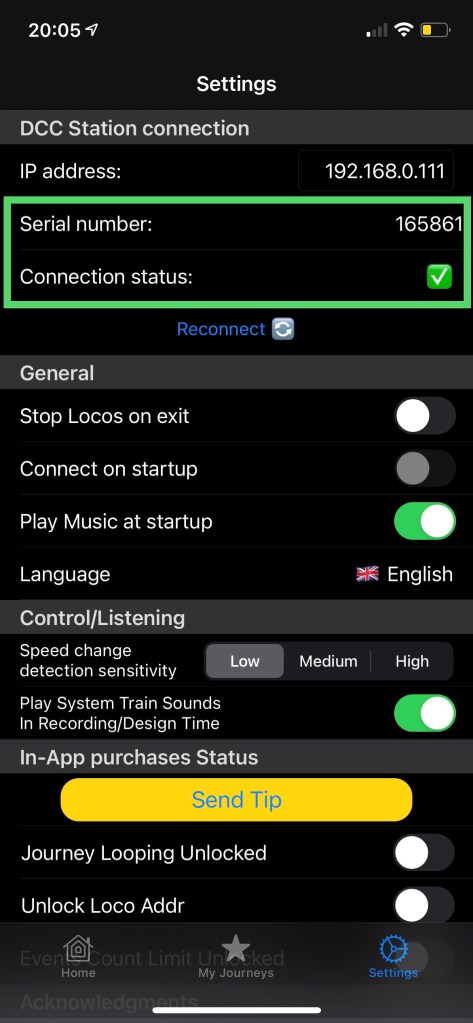
- Create a new Journey
- Check how the app behaves if you press the Antenna (Listen) button immediately after opening an empty Journey
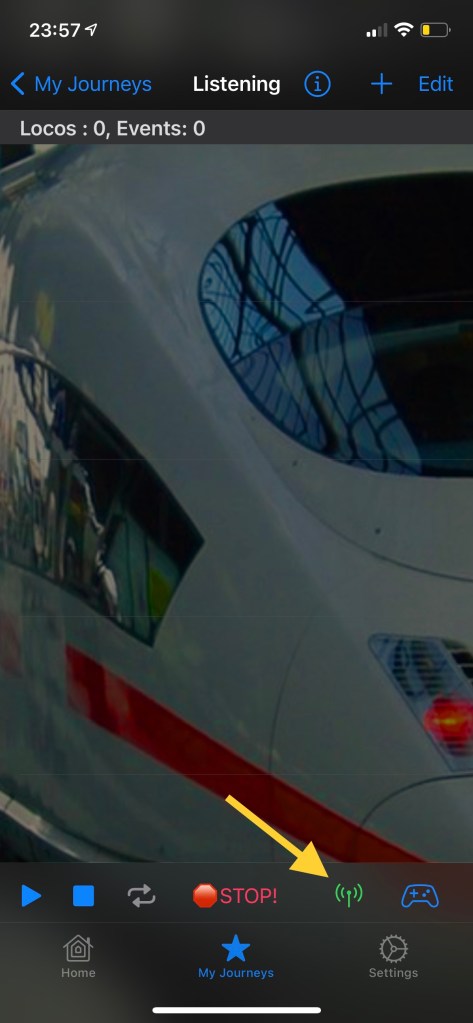
- If the Journey is empty LocoPlay will ask you to add initial Events with Loco addresses

- Add initial Events, one per each Loco address. The Loco addresses will be recognized while listening
- After adding initial Events with addresses press the Listen button
- If the connection to Z21 is active the Listen button will start blinking red and LocoPlay will enter listening mode
- Controlling of the loco addresses, included in the initial Events, by another device, will be recorded as new Events in the Journey.

 LocoPlay App